

CubeAway - 3DPuzzle Walkthrough
Trace the route. Open an exit. Clear the cube.
Independent fan-made guides. Not affiliated with the game developer.
Browse levels
No matching level. Try another number.
Recently updated
Game screenshots
About the game
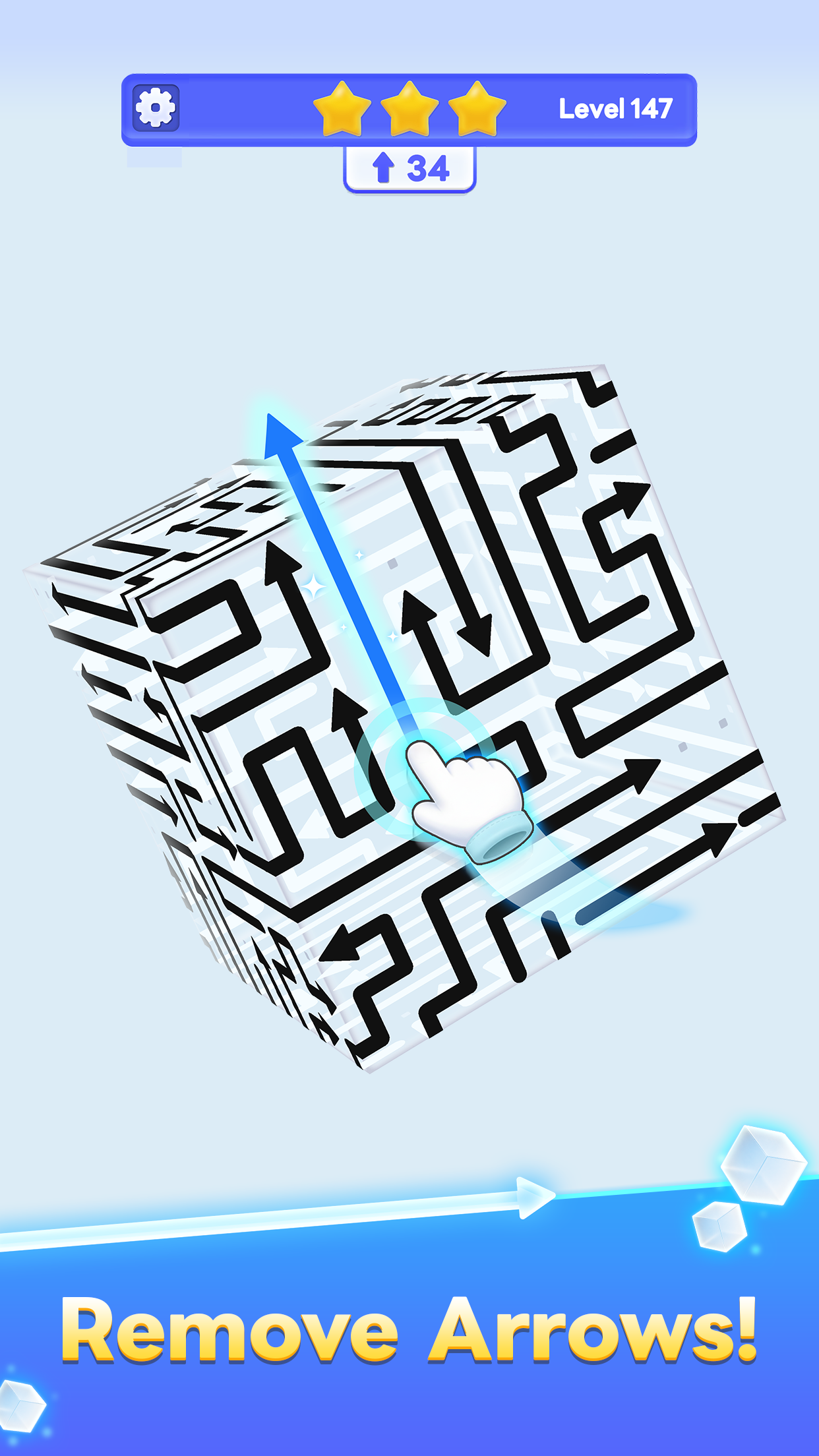
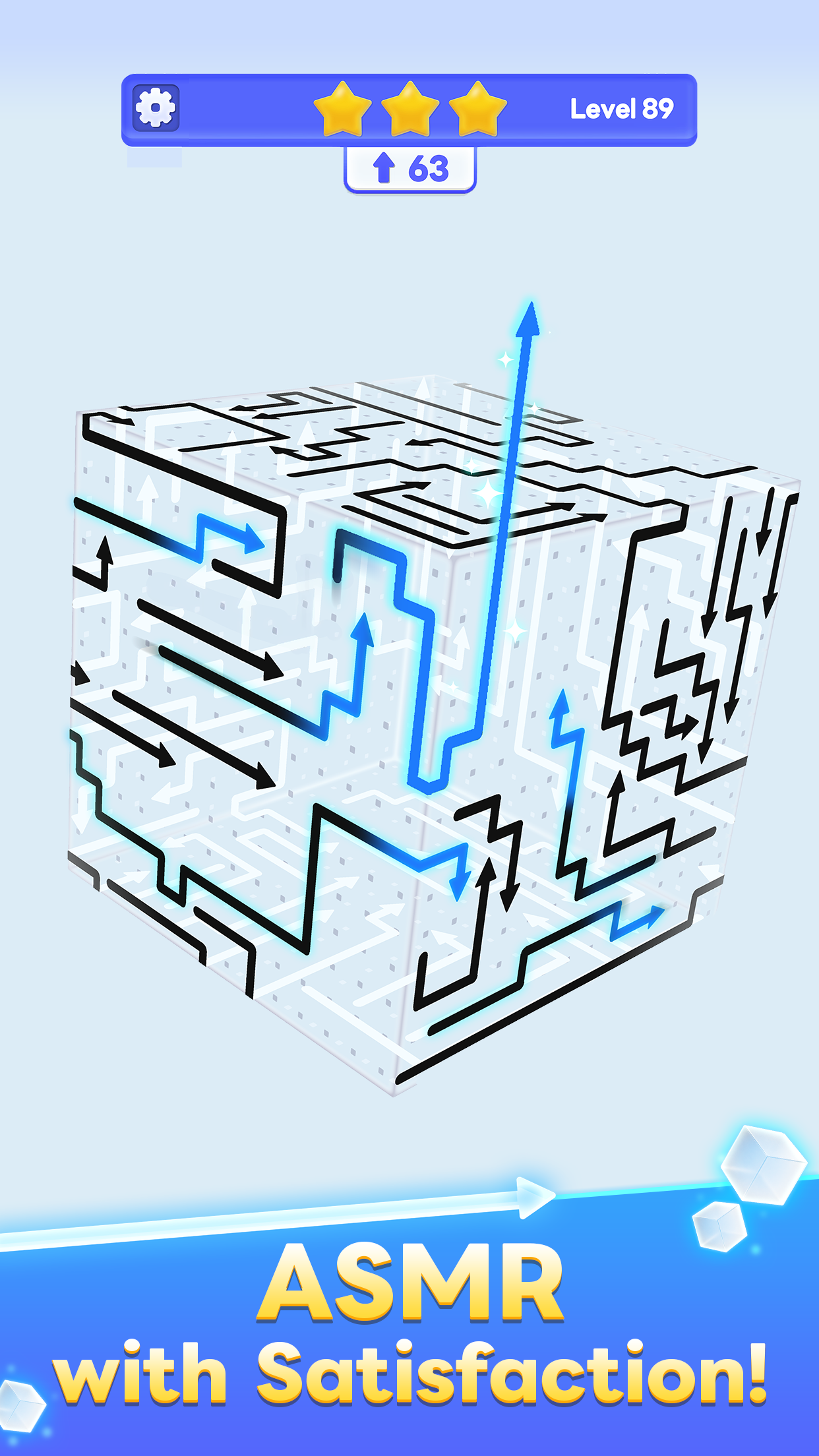
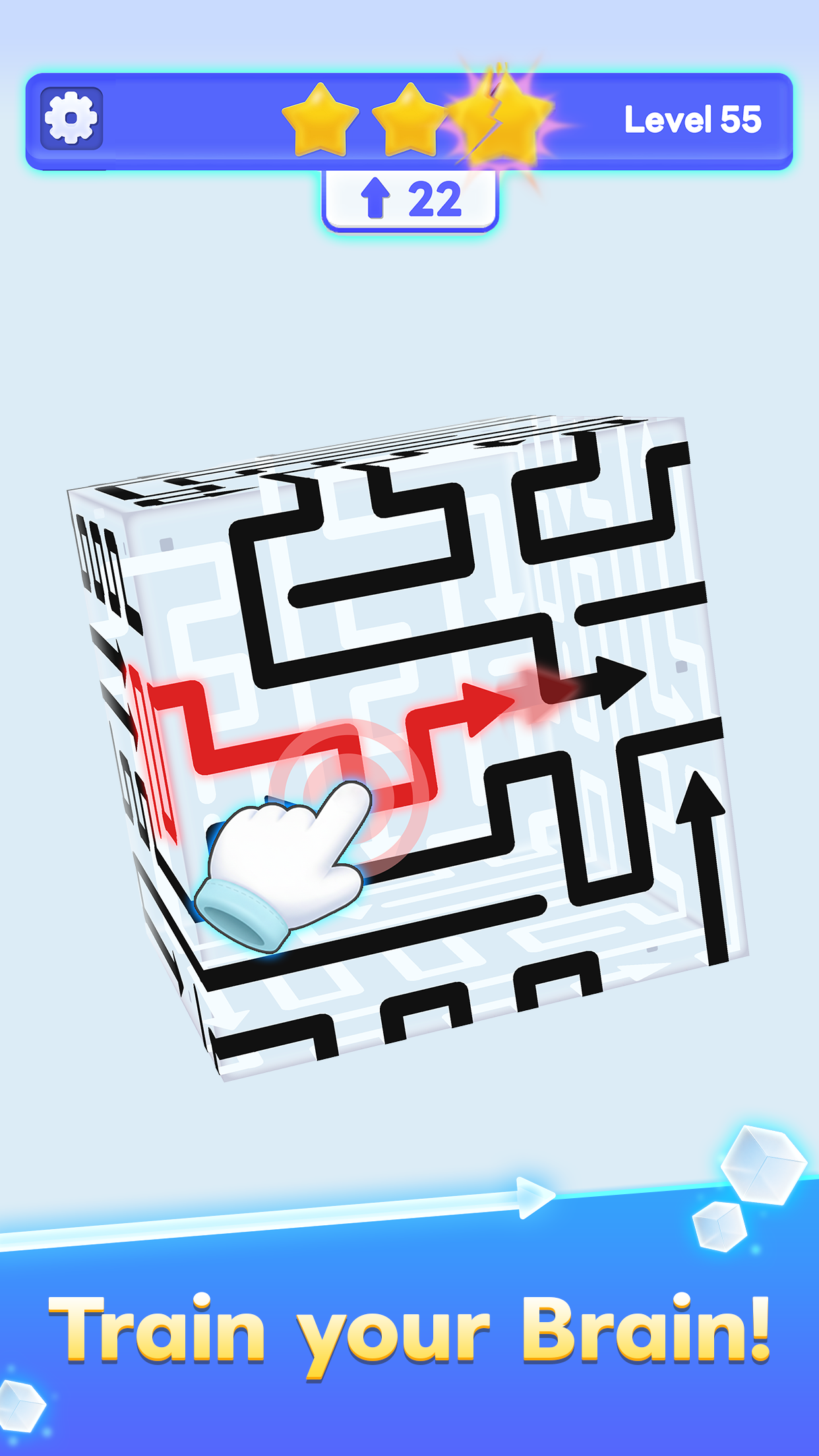
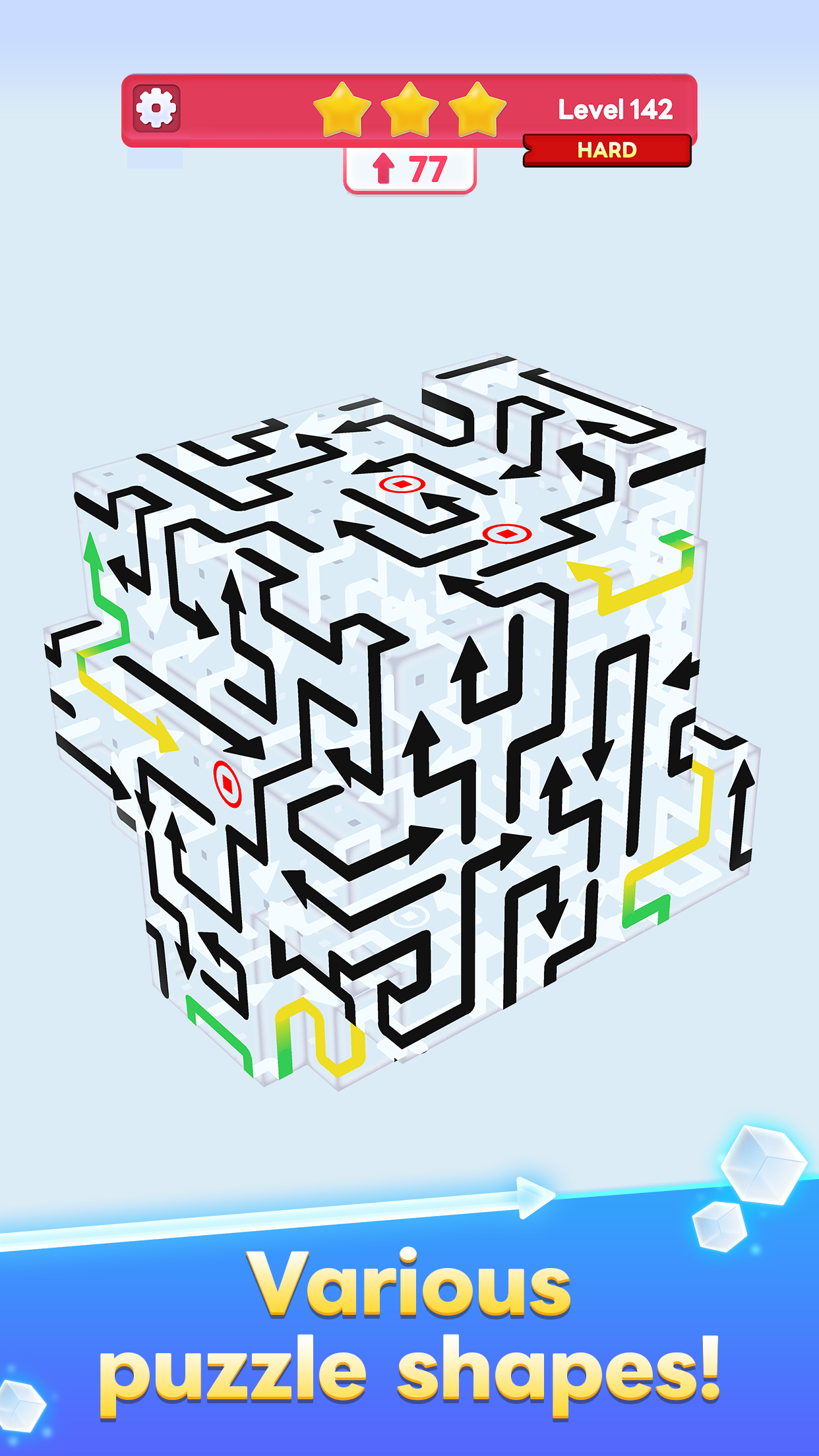
CubeAway - 3DPuzzle is a spatial arrow-removal puzzle by GOODROID,Inc. for Android and iOS. Inspect all six faces and clear the arrows in a workable order.
Find 258 numbered video walkthroughs below. Match the opening shape and arrow routes with your game before following a sequence.
- Publisher
- GOODROID,Inc.
- Platform
- iOS, Android
- Guide coverage
- 258 levels
- Last updated
- Game store
- App Store

Find your CubeAway level, compare the cube and follow a video at your own pace. Read the arrow routes across all six faces before choosing a move.
A cube covered in connected decisions
CubeAway - 3DPuzzle is a spatial arrow puzzle from GOODROID,Inc. The objective is to remove the arrows from the cube in a workable order. What looks like a simple collection of marks becomes a sequence problem once one route depends on another. Instead of looking only for a conspicuous arrow, ask where it goes, what occupies that route and which removal could open it. The quiet presentation makes small directional details especially important.
Start with the level directory
Enter the number shown in your game to open its walkthrough. The directory includes only listed recordings, so an absent number does not mean the game ends there. Before pressing play, compare the overall shape and recognizable arrows with your screen. The selected links give quick access to frequently requested stages, while the fifty-level ranges keep higher numbers easy to browse. Use the same language menu on a level page to switch without losing your place.
Read a route before you tap
Locate the arrowhead and follow its direction until the route reaches open space or an obstruction. A long line needs the same care as a short one; length alone does not identify the best first move. When the path disappears around a corner, turn the cube and continue inspecting it. Keep a recognizable edge in view so you can connect what you see on one face with the next. The aim is a clear explanation of the move before making it.
Use rotation as part of the solution
A crowded front face can distract you from an accessible move on the back. Inspect multiple sides, including the underside, whenever progress slows. After removing an arrow, revisit the space it occupied: another route may now be usable. Avoid committing to a rigid face-by-face order. A good sequence can leave one face, release a blocker elsewhere and return to an arrow that was previously trapped. This is where the three-dimensional view changes the problem.
Follow videos in short sequences
Watch several seconds, pause and align your view before reproducing the next moves. Pay attention to the position of an arrow relative to a cube edge, rather than copying a screen coordinate. Rotation changes where every target appears. If you become unsure, stop and compare the remaining layout instead of speeding up. A useful walkthrough helps you understand why an exit opens; it does not require matching the creator’s tapping speed.
Yellow lines, special shapes and difficult boards
For unfamiliar markings, inspect the complete route and compare its behavior with the video for your board. Do not treat a yellow segment as an automatic instruction to tap first. Likewise, a higher number does not reveal a specific obstacle or guarantee a new mechanic. Judge the board in front of you. When several lines overlap visually, use a more direct camera angle and isolate one route at a time before deciding how the arrows depend on each other.
Check offers and limits on your screen
Google Play identifies the game as containing ads and in-app purchases. Read any hint, continuation or assistance offer before accepting it, since the current terms matter more than those in an older recording. If your board displays a move allowance or another limit, plan around that actual display. Avoid repeated trial taps. Check costs, refill conditions and rewards in the offer currently shown by your game.
Versions, support and practical next steps
CubeAway is available for Android and iOS. Layouts and features can change, so keep the game version in mind when comparing an older recording. If the opening shape differs, do not force the sequence. For freezing, purchase problems or lost progress, use developer support and keep your player details available. Do not delete local data while searching for a workaround. Continue with the gameplay and strategy pages below for a slower explanation of route tracing, orientation and blocker chains.
Frequently asked questions
How do you play CubeAway - 3DPuzzle?
Inspect the cube, follow an arrow’s direction and remove it when its route is clear. Keep rotating the view to find accessible arrows on other faces. Repeat until every arrow has left the puzzle; clearing only the face in front of you does not complete the whole board.
How many levels does CubeAway have?
There is no confirmed fixed maximum in the developer’s public description. The number of walkthroughs here describes our video directory, not the total number of stages in the game. A high-numbered recording also cannot establish the final level, because updates can add or rearrange content.
What is the yellow line in CubeAway?
Follow the complete marked route around the cube and inspect the adjacent face before tapping. A yellow marking alone does not tell you that a move is safe. Compare the exact line, its ends and its movement with the recording for your board; special arrow behavior can vary between layouts and versions.
Why will an arrow not move?
Look along the direction indicated by its head and check for another arrow occupying the route. Turn the cube so the path is easier to read. Find an accessible arrow that removes that obstruction, then revisit the original piece. Repeatedly tapping the blocked piece does not provide a new route.
Do I need to clear one face at a time?
No. A useful sequence can cross several faces. Treat the cube as one connected puzzle, rather than six independent pictures. If your current face has no clear move, inspect the surrounding faces before assuming you need a hint. Returning to an earlier view can reveal newly opened paths.
Why does my level differ from the video?
Updates and different game versions can present different layouts under the same number. Compare the overall shape, the longest arrows and distinctive bends before following taps. If those landmarks do not agree, use the general tracing method rather than forcing an unrelated sequence onto your board.
Can I use a walkthrough without buying anything?
Yes. These guide pages are available without a purchase or account. The game itself contains advertising and optional purchases. A website guide cannot change your game balance, remove in-game ads, restore purchases or award moves. Use the game’s own controls for any optional offer.
Who makes CubeAway?
CubeAway - 3DPuzzle is published by GOODROID,Inc. It is available through Google Play and the App Store. This GTYX website is an independent guide and does not operate the game, manage player accounts or represent the developer. Game support and purchase matters belong with the developer or your app store.